Write calligraphy with your finger.
用手指,写出毛笔书法。
Zhi Shu renders your finger writing, in real time, as Chinese brush calligraphy — then composes a mounted scroll you can save.
指书把你的手指笔迹实时渲染成毛笔风格,并自动排版成一幅可保存的装裱书法作品。
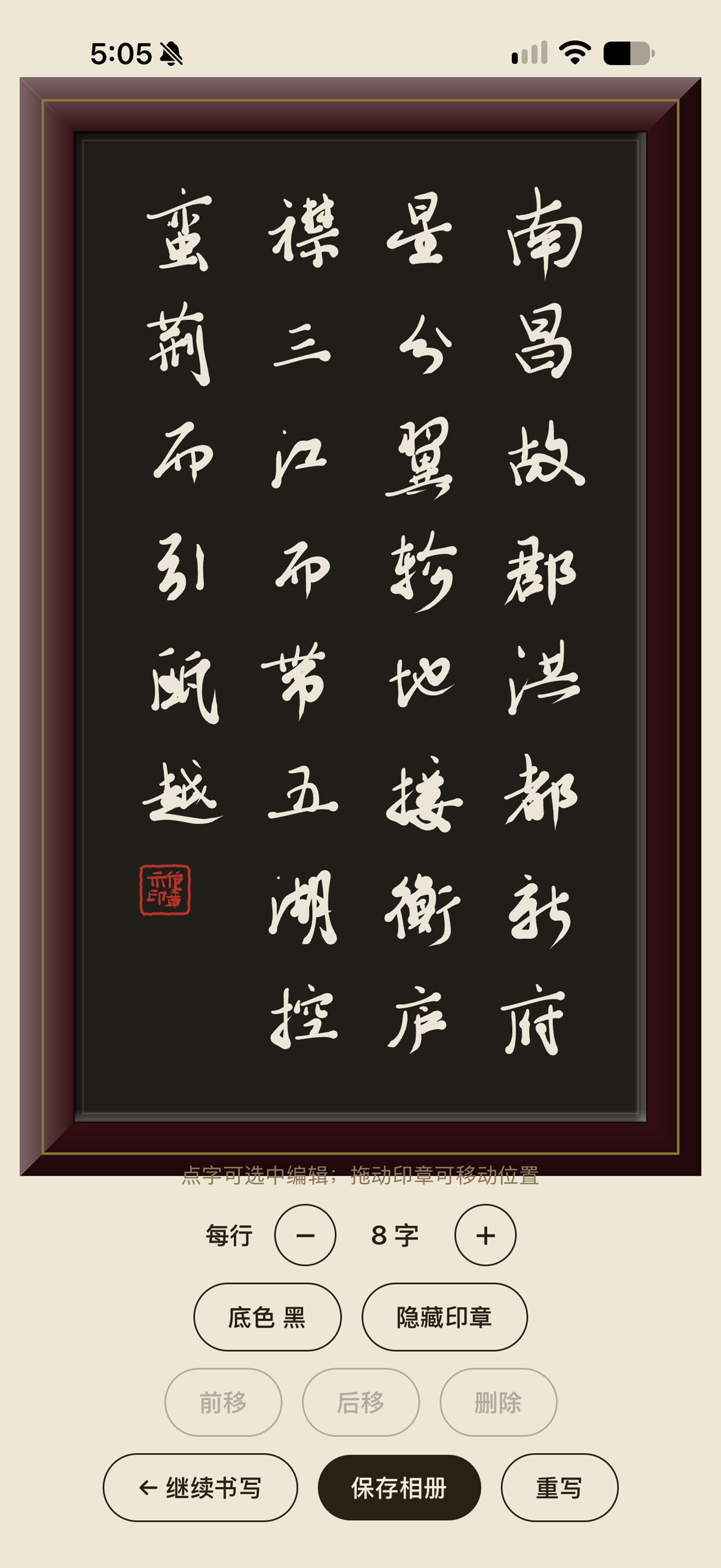
Zhi Shu renders your finger writing, in real time, as Chinese brush calligraphy — then composes a mounted scroll you can save.
指书把你的手指笔迹实时渲染成毛笔风格,并自动排版成一幅可保存的装裱书法作品。
Everything is free. No accounts, no ads, nothing to set up.
全部功能免费。无需注册,无广告,无需设置。
Write with your finger and see running-script brushwork appear as you move. Slow or pressed strokes are thick, fast strokes thin — the feel of a real brush.
用手指书写,行书笔迹随运笔实时呈现。慢按则粗,疾行则细,如握真笔。
Finished characters flow automatically into vertical columns, right to left, inside a framed scroll with a seal. Adjust the characters per column to taste.
写好的字自动竖排、从右到左排入带框装裱的作品中,并落印章。每行字数可随心调整。
Switch between a warm 宣纸 (paper) ground with dark ink and a 碑拓 (stone-rubbing) ground with white characters — two classic looks, one tap apart.
在暖色宣纸(墨字)与碑拓(白字)之间一键切换——两种经典呈现。
Every piece is stamped with a red 指书 seal — or hand-draw your own seal once and it's used on all your work.
每幅作品都盖上红色「指书」印章——也可手写一枚属于你自己的印章,用于全部作品。
Save the whole scroll to your Photos as an image with one tap, ready to share. Your work and settings stay on your device.
一键将整幅作品保存为图片到相册,随时分享。你的作品与设置只保存在本机。
Zhi Shu never guesses what you wrote or swaps in a font. It reshapes your own strokes into brushwork — any character, neat or wild.
指书不识别文字、不替换字体,只把你自己的笔画化为毛笔字——工整随性,皆可成书。
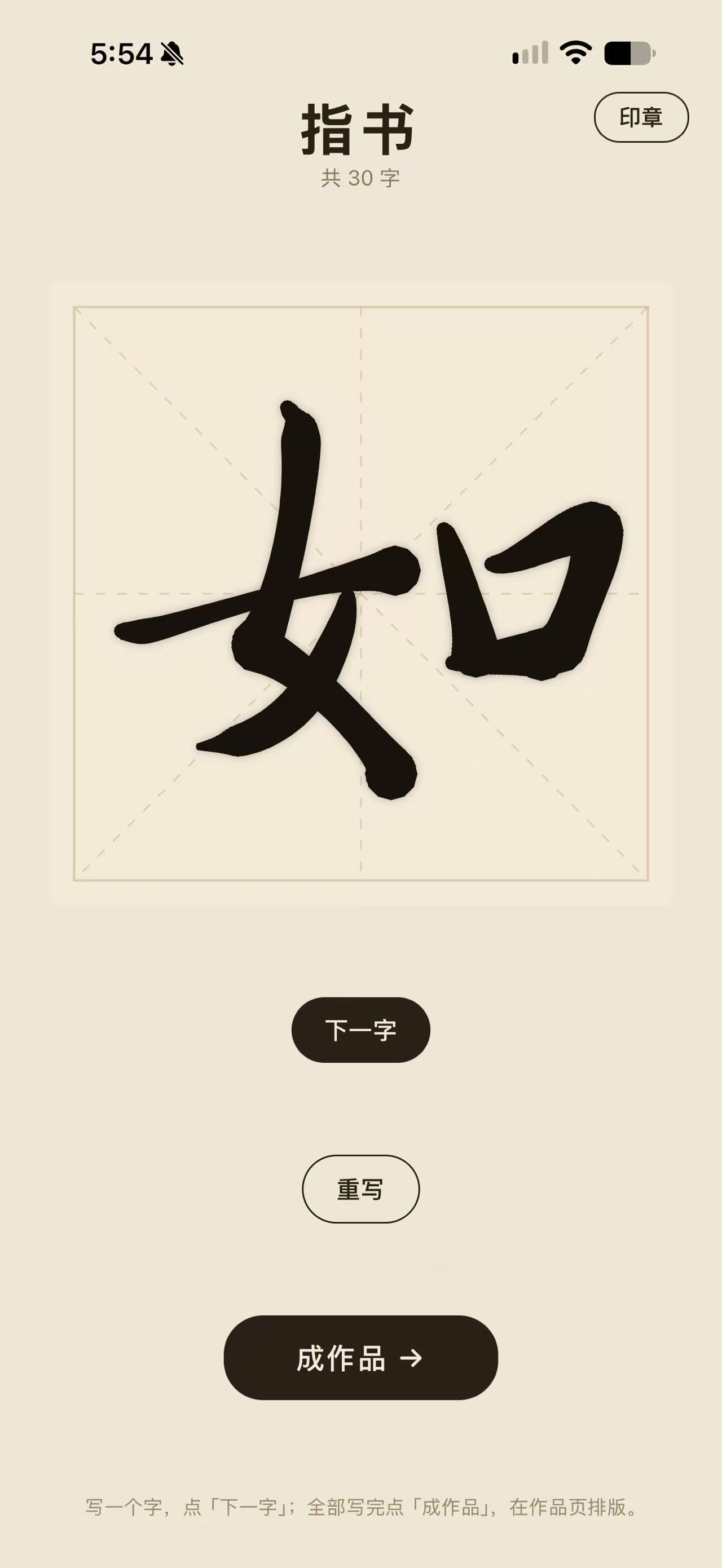
Draw with your finger on the paper grid. The brush shapes each stroke as you go.
在米字格上用手指书写,运笔之间即成毛笔笔画。
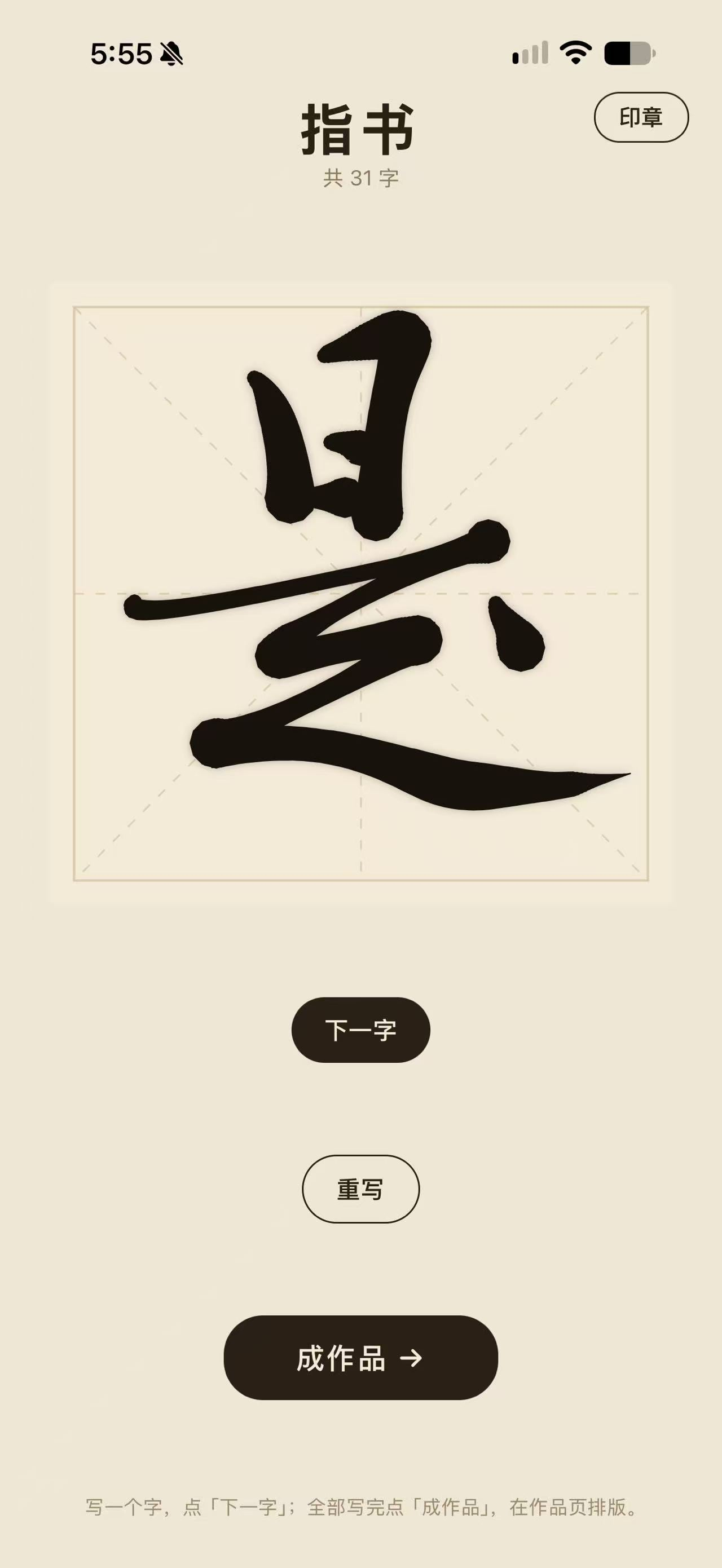
Add the character to your piece and write the next one. Repeat as long as you like.
把这个字加入作品,再写下一个,如此反复。
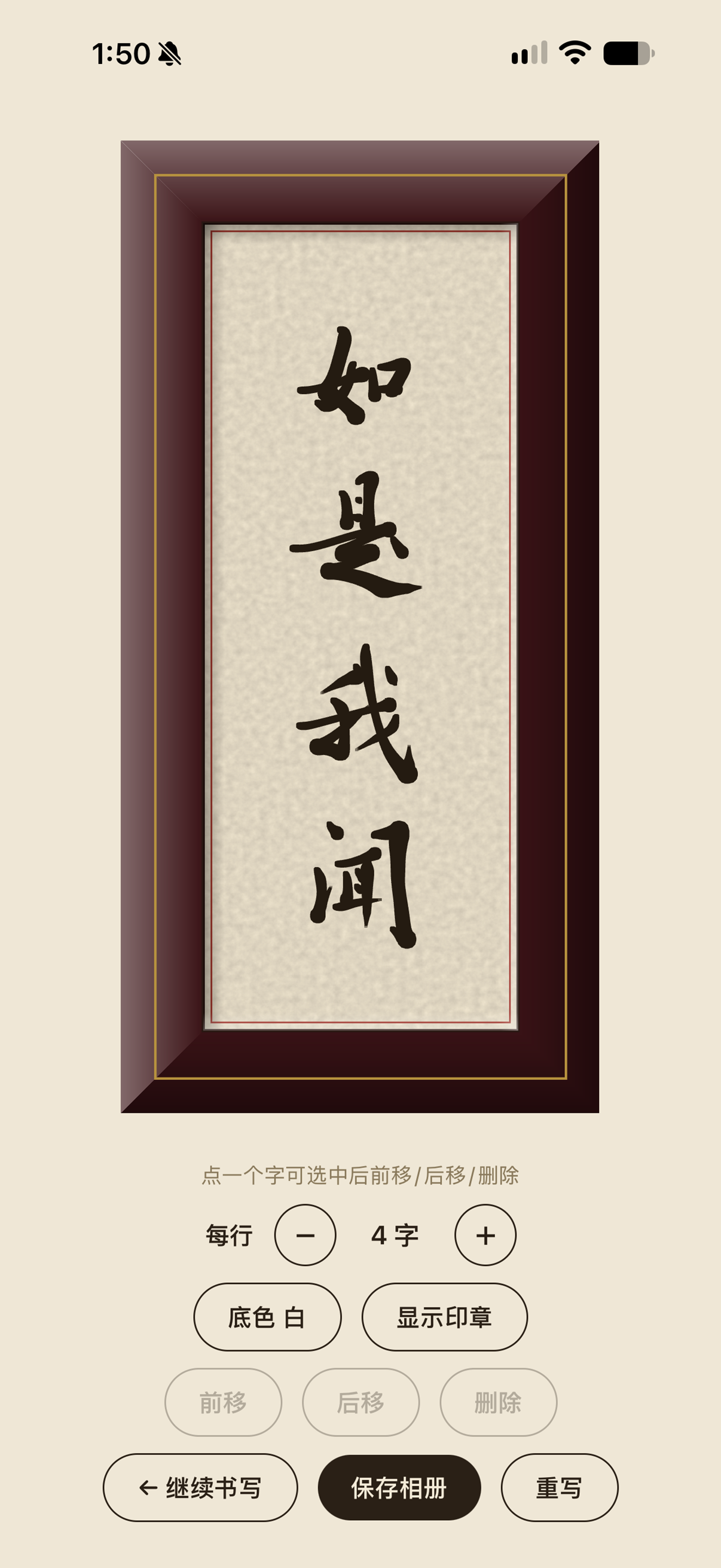
Your characters are laid out into a mounted scroll. Tune the columns and the ground.
所有字自动排入装裱作品。可调整每行字数与背景底色。
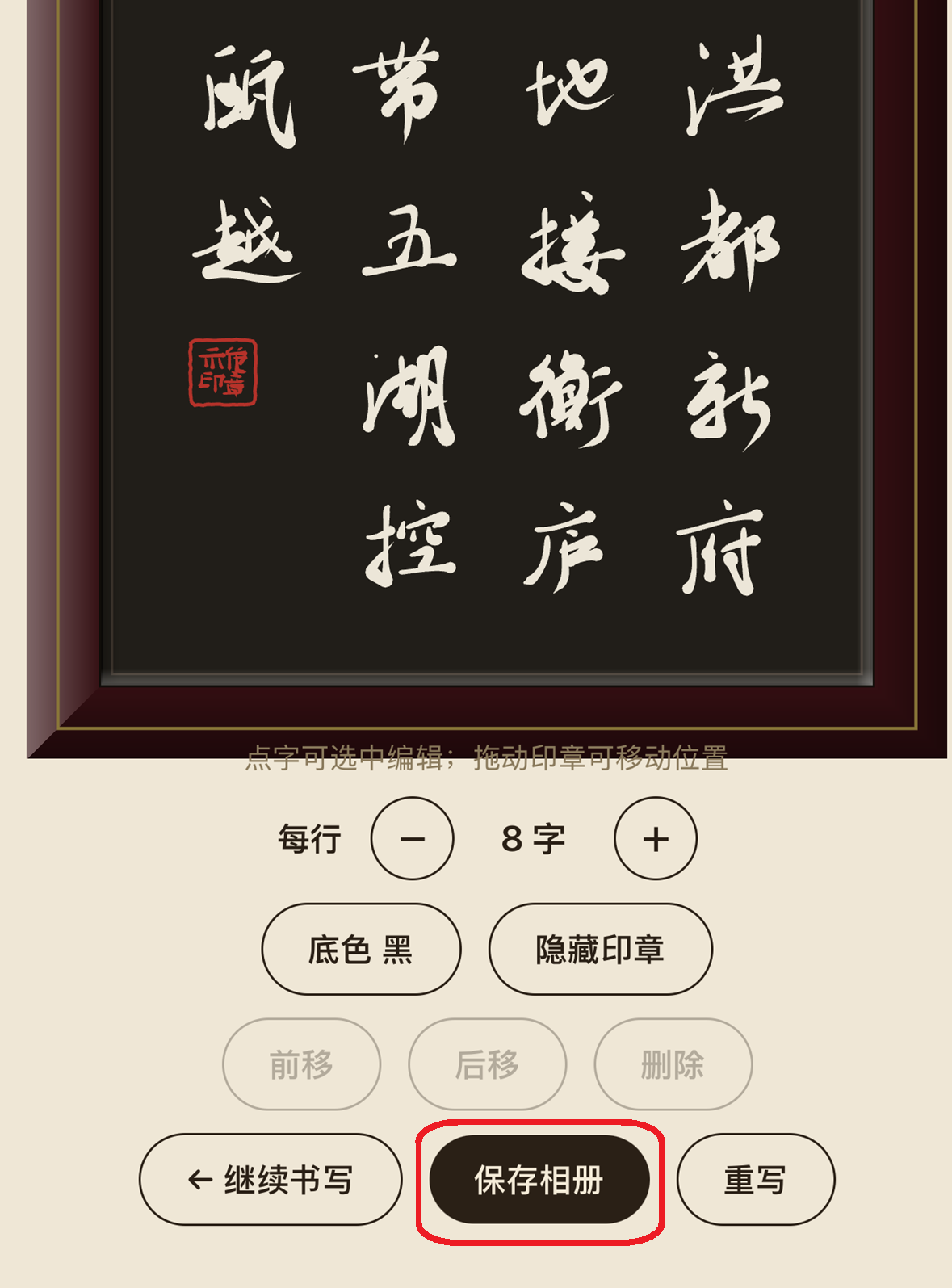
Export the finished scroll as an image and share it anywhere.
将成品导出为图片保存到相册,随处分享。
"The brush follows the hand; the hand follows the heart."
「手中无笔,心中有笔。」